Logo

Display mode
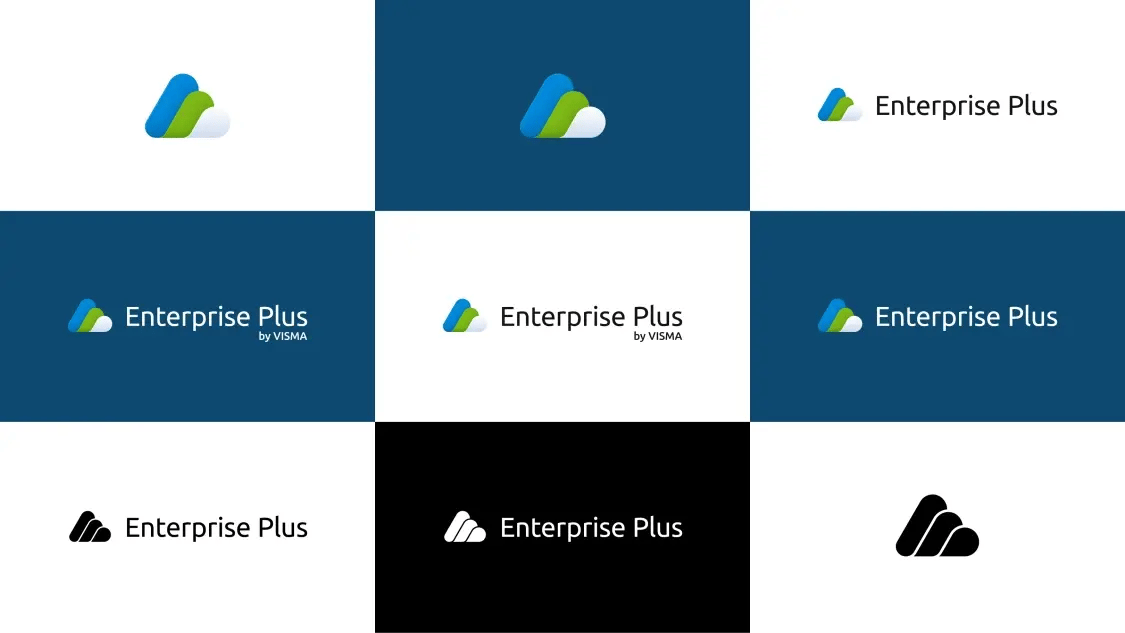
Logo is the primary identifier of the brand and a vital part of the visual expression. It consists of the combination of two essential elements that represent the product brand - logomark and wordmark. The logo must be legible when it has to be displayed on different contrasting backgrounds. In this case, we recommend using the logo variations on the light and dark backgrounds as shown below.


Wordmark

Do
Use Enterprise Plus as the wordmark based on the design provided.

Don't
Don't use Visma prefix in the wordmark as a product brand.
Monochrome version
The monochrome versions of the logo are usually used in circumstances where it needs to be legible and recognizable when the color palette is limited or in scenarios where colour printing is not possible.


Safe area

Logo by VISMA
There are certain rules to follow when creating a profile within the Visma family. These rules are mandatory and must be followed to create a strong and consistent link to the Visma values. In the examples below you can see how the Enterprise Plus logo can leverage the Visma brand and use the "by Visma" tagline.


Vignette

Favicons
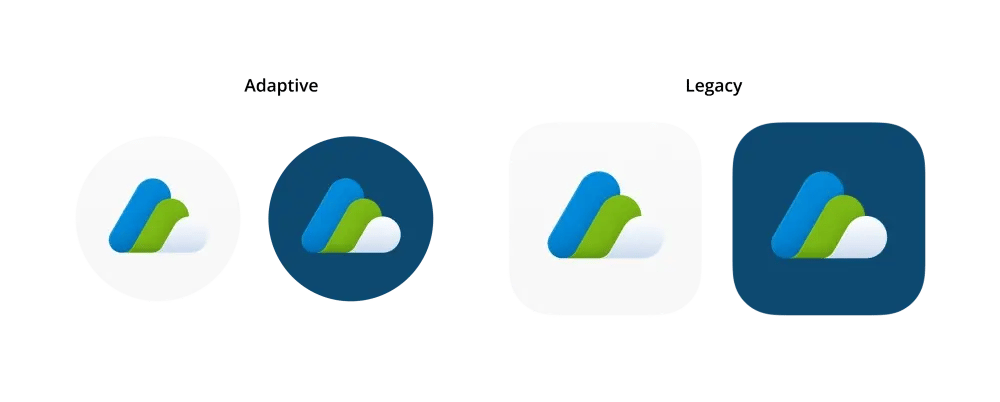
Mobile icons
Dos and Don'ts

Do
Place basic version on light background.

Do
Place the dark mode version on the dark background.

Do
Maintain the aspect ratio when resizing.

Do
Always respect the minimum area.

Don't
Recreate the logo.
Don't
Add taglines or other texts within the logo safe area that don't comply with the style guide rules.

Don't
Rearrange the logomark and wordmark in the logo.

Don't
Distort or warp the logo in any way.

Don't
Use low contrast and low legibility when placing a logo on a background.

Don't
Place the logo on a noisy background. Always make sure the logo is readable.
Download